“Adopt early, but adopt responsibly”: How Zoho brought the new design to over 100 apps
October 5, 2026
When Apple introduced the new design and Liquid Glass, Zoho moved fast. They had to.
With a portfolio of more than 100 apps on the App Store, the company knew adoption would be no small endeavor. But in the months since, they’ve found the results well worth the effort. “Our approach was deliberate and phased, especially given the scale of our ecosystem,” says Ashok Ramamoorthy, director of product management at Zoho.
We talked to Ramamoorthy about how the team approached the transition, what surprised them, and what other developers can learn from the experience.
Tell us what went into your team’s decision to adopt the new design and Liquid Glass.
Ramamoorthy: When Apple introduced this new design language, we saw it as both an opportunity and a responsibility. So we approached it in two ways.
Our SwiftUI-first apps adapted seamlessly. Many naturally aligned with Liquid Glass, requiring minimal effort to compile and visually integrate with the new design language.
For our UIKit-based apps, we adopted a two-phase strategy. The first phase focused on compatibility and stability — ensuring apps worked flawlessly with the new design system without disrupting existing workflows. The second phase is ongoing: a design-led evolution in which we progressively rethink core experiences by embracing Liquid Glass principles, reworking navigation patterns and interaction models to fully leverage the depth, layering, and fluidity it enables.
Instead of treating Liquid Glass as just a visual update, we see it as an opportunity to rethink how people interact with our apps — adopting it in stages to balance innovation with stability.
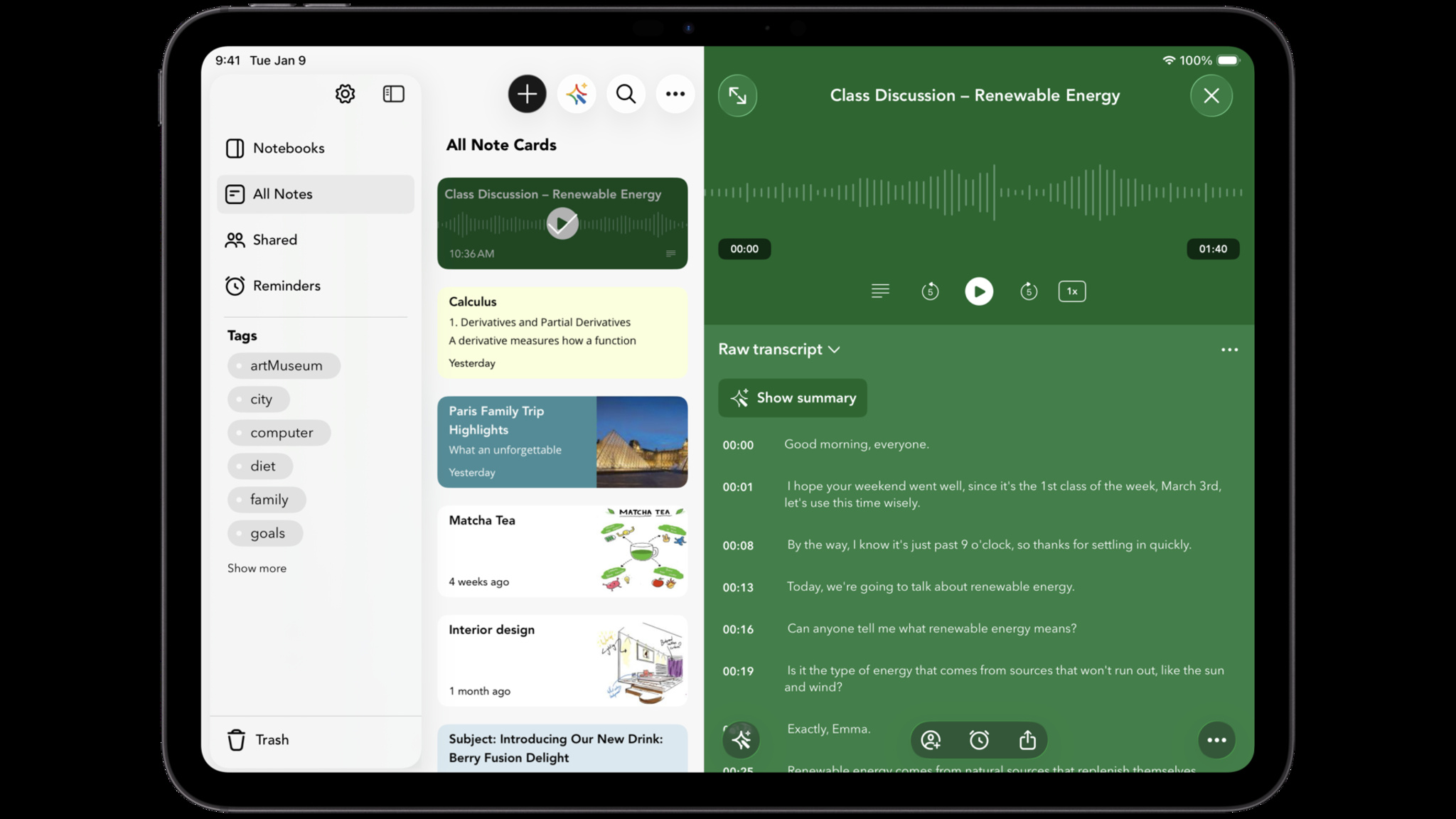
Notebook is a card-based note-taking app that helps people capture and share ideas across devices.
Download Notebook from the App Store >
Your team has a massive portfolio of apps. What was the process like for adopting the new design?
Ramamoorthy: When Apple introduces a new design direction at this scale, we see it as something developers should embrace rather than delay. The decision was immediate and firm.
That said, how we adopted it required careful planning. The rollout was prioritized based on resource availability, codebase complexity, the nature of each app, and business criticality. This helped us balance speed with stability.
We did have a few initial hesitations: how effectively UIKit-based apps would adapt, how to ensure backward compatibility across OS versions, and whether every app required a complete overhaul or a more incremental evolution. These considerations didn’t slow down our decision — they helped shape a more thoughtful rollout strategy.
In the end, our mindset was simple: adopt early, but adopt responsibly.
What was the first step?
Ramamoorthy: We compiled our apps using the Xcode beta and observed how they rendered within the new design system. This gave us immediate clarity on how our existing interfaces behaved and helped us identify where to begin.
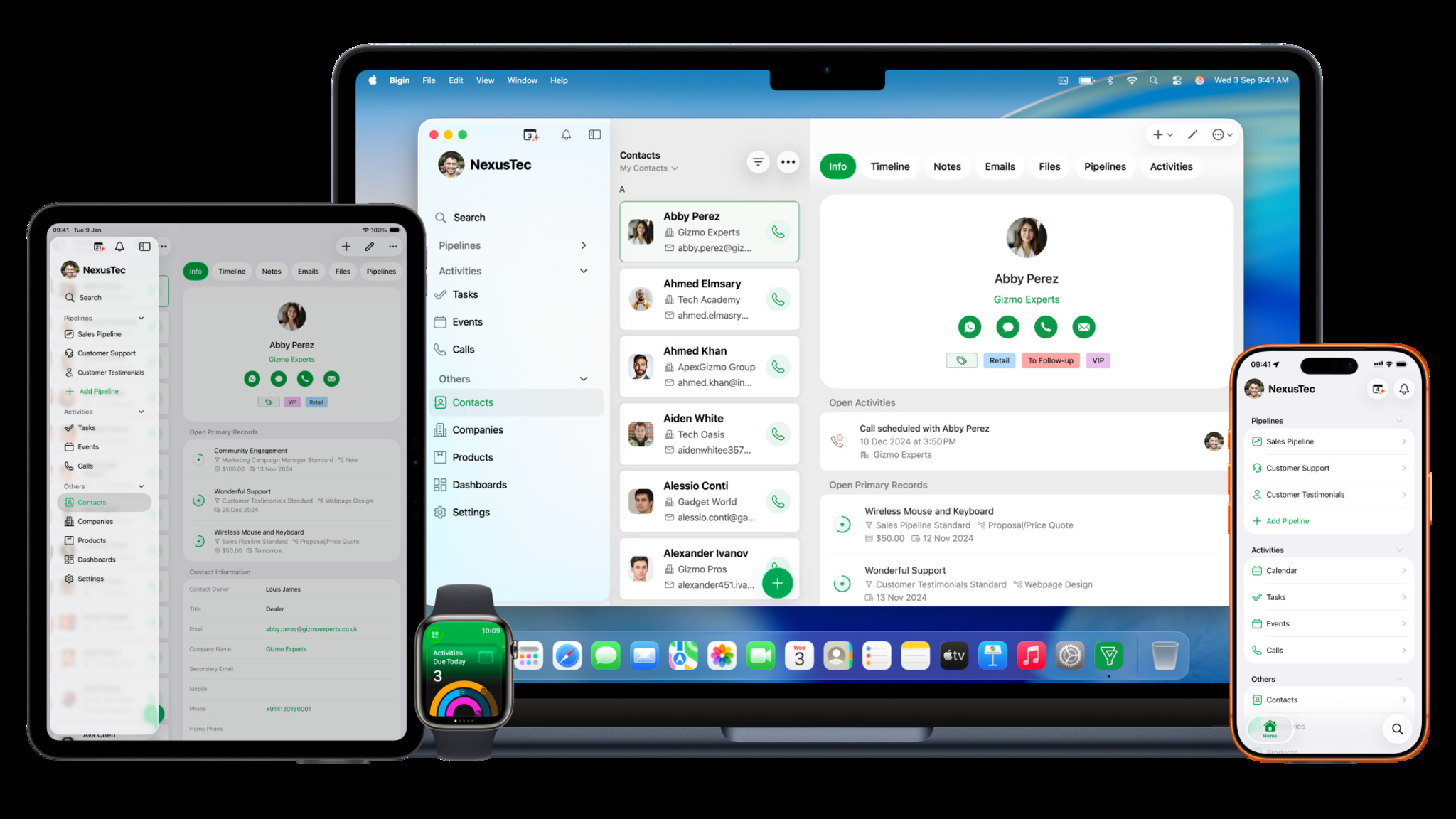
At the same time, a few apps took a more ambitious route. Bigin by Zoho CRM, for example, chose to go beyond incremental changes — fully embracing the principles of Liquid Glass and targeting a day-one release. Challenging, but it helped us push boundaries early and set a benchmark for the rest of our apps.
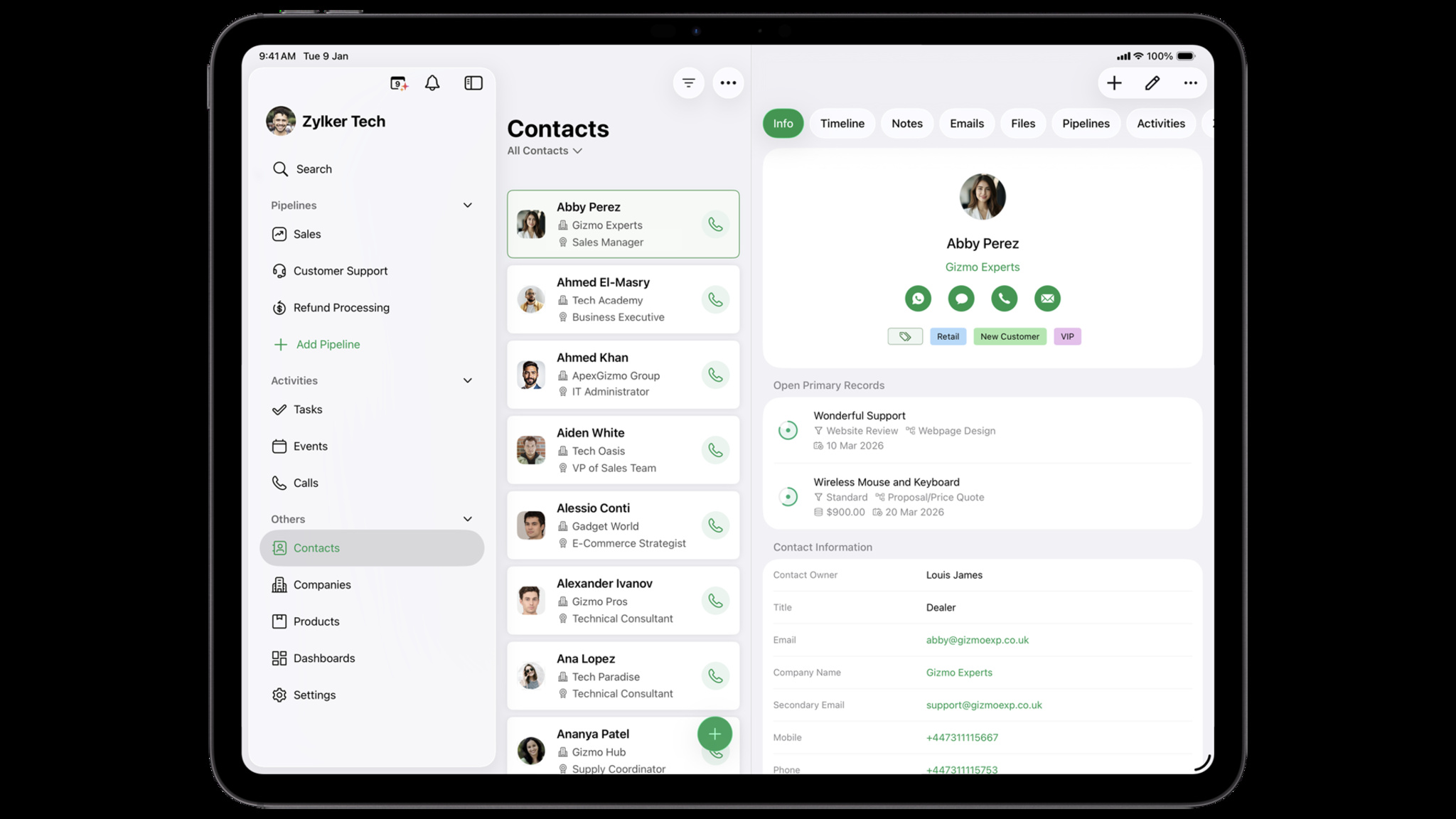
Bigin, Zoho’s CRM app, is designed for small businesses.
Download Bigin from the App Store >
Now that the new design has been public for nearly a year, what are some of the biggest takeaways?
Ramamoorthy: The biggest has been how design can meaningfully improve usability — especially for business users. Our apps are more task-driven than everyday consumer apps, often used in longer sessions where efficiency matters. With Liquid Glass, we simplified navigation, brought more clarity to layered information, and made interactions feel lighter and more intuitive.
We were honestly cautious when we shipped on day one. Any significant design change in business apps risks disrupting established habits. But the response was reassuring — people quickly adapted and, in many cases, appreciated the improvements. Navigation patterns and tab structures, in particular, received positive feedback.
The key learning: Liquid Glass is not just a visual refresh — it encourages you to rethink structure and flow. Teams that leaned into its principles, rather than treating it as a surface-level update, saw the most impact.
We’ve noticed a similar pattern across the developer community. Apps that embraced the design system holistically — reworking interactions and hierarchy — stood out more than those that only applied visual changes. Adopting a new design language is as much about mindset as implementation.
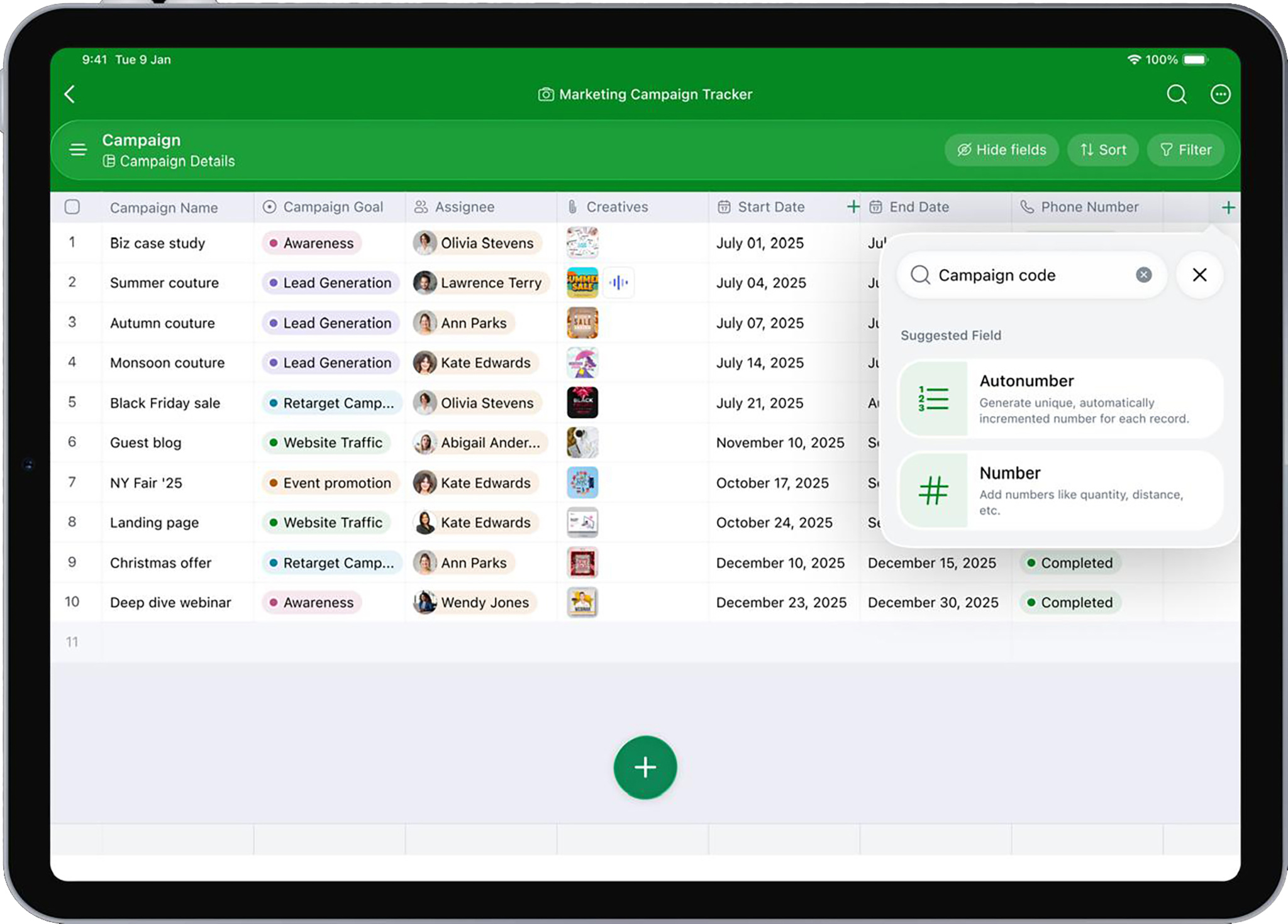
Tables is a database and spreadsheet tool for teams of all sizes.
Download Tables from the App Store >
What benefits have you seen since adoption?
Ramamoorthy: The most noticeable improvement has been decluttered navigation — simplifying complex workflows and surfacing what matters, especially for business users who rely on speed and clarity.
From a metrics standpoint, we observed improved app performance, particularly where we modernized parts of the UI stack; longer session durations; and increased adoption of key features that became more discoverable through better layout and hierarchy.
The biggest benefit has been the combination of simplicity and effectiveness — people are able to get more done with less effort.
What has the response been like?
Ramamoorthy: Very encouraging. Our apps are used by business users who are generally sensitive to changes in workflows and navigation, so we were cautious. But the feedback has been reassuring.
Many people appreciated the simplicity and clarity. One mentioned they “love the app and how much it can accommodate with such a simplistic UI and UX.” Another called it a “clean, easy-to-use CRM that covers the basics without overcomplicating things.”
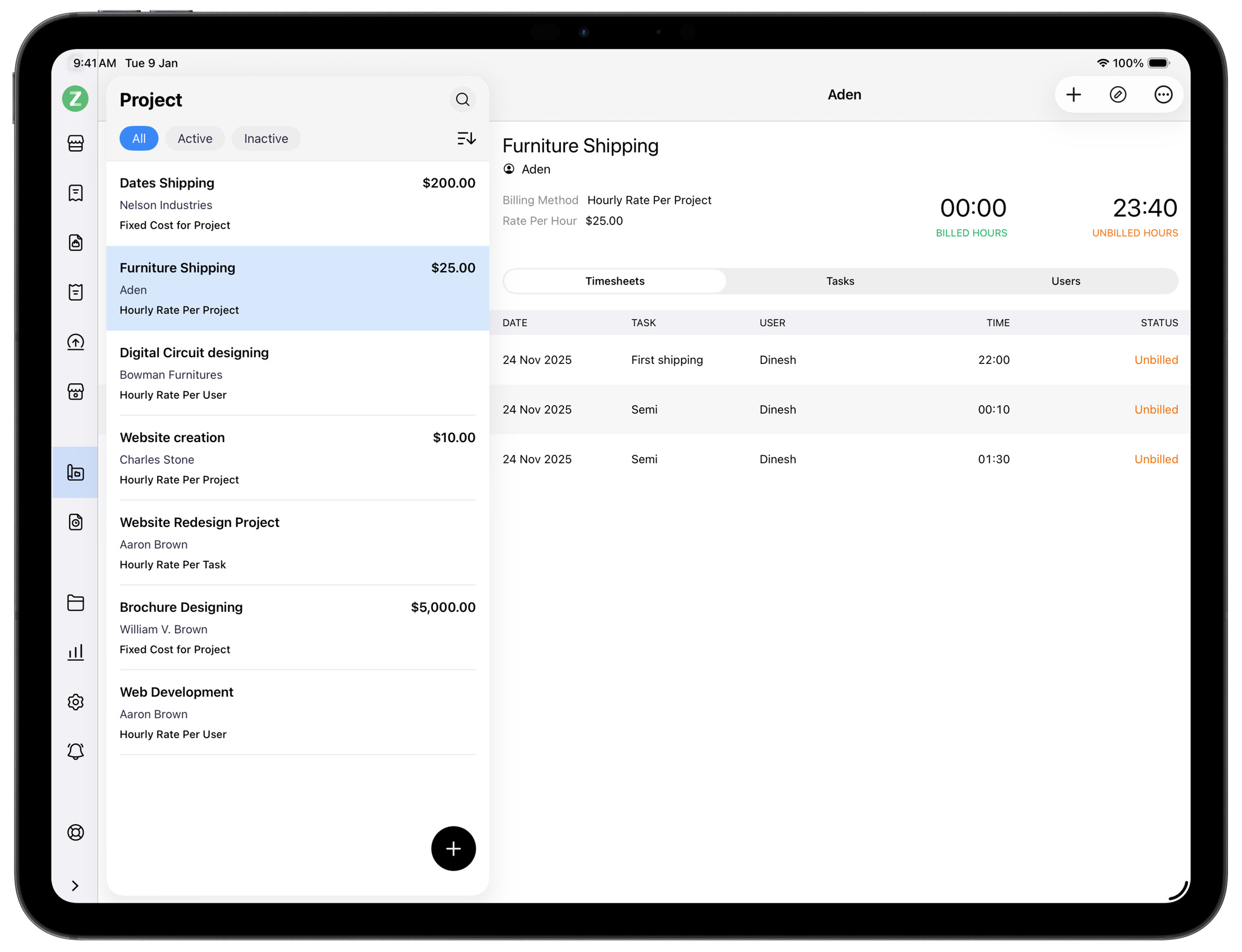
Books is a cloud accounting app designed to help small- and medium-sized businesses track their finances.
Download Books from the App Store >
What’s been most surprising?
Ramamoorthy: How Liquid Glass accelerated — not slowed down — our expansion across platforms.
People had been asking for an Apple Watch app for Bigin by Zoho CRM to help manage work on the go. We had already planned it and created initial wireframes. Then came the Liquid Glass announcement. Committing to a day-one OS release meant completely rethinking parts of our UI — and the expectation was that this would delay the Watch app.
The opposite happened. Because Liquid Glass encouraged a more structured, layered, and consistent design system, the thinking translated naturally across platforms. The groundwork we laid for the iOS app made it significantly faster to extend the experience to watchOS — what we expected to take weeks took just a few days.
We were able to launch the Apple Watch app alongside our iOS, iPadOS, and macOS updates, delivering a unified experience across the entire ecosystem from day one.
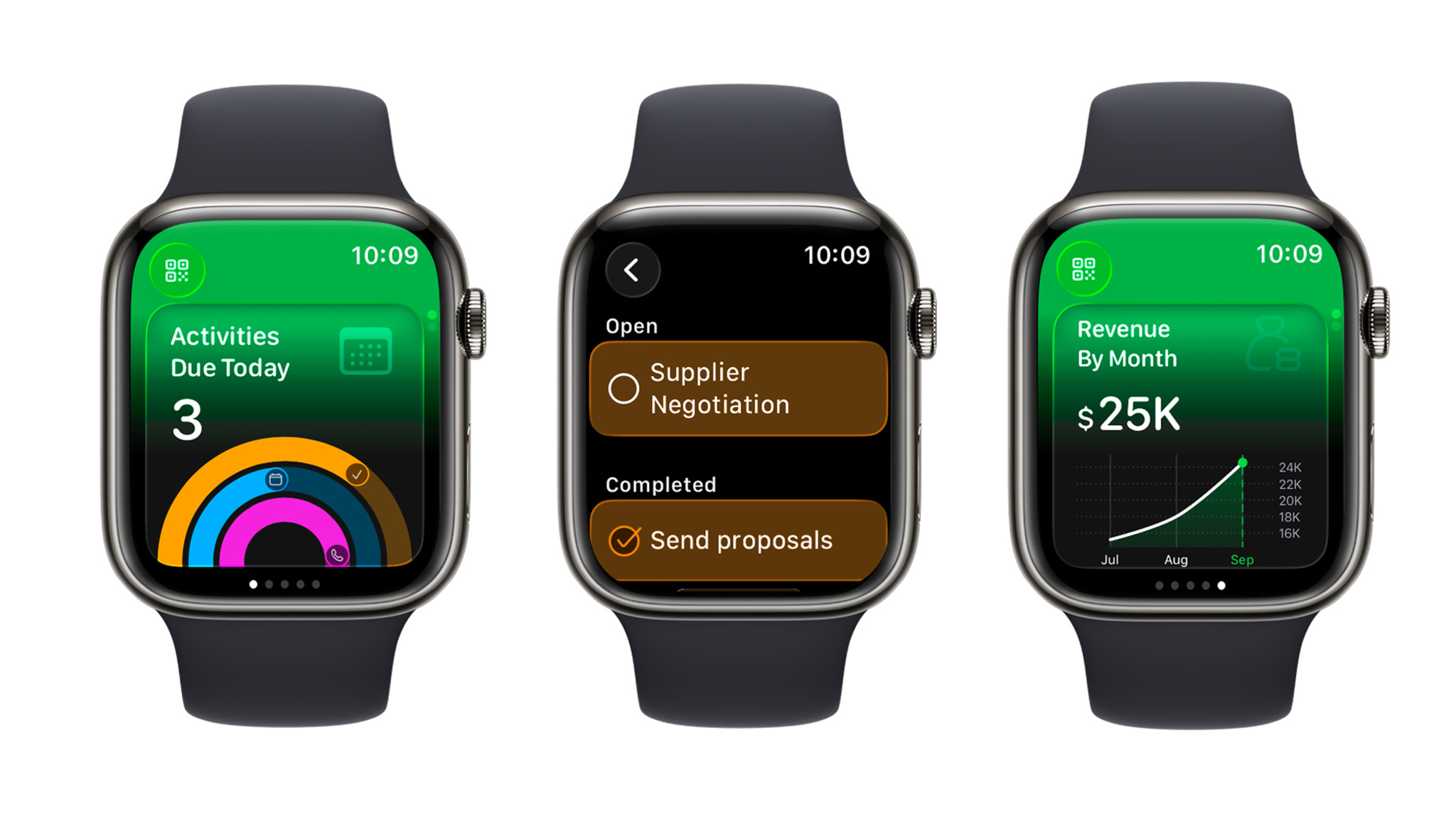
Bigin on Apple Watch came to life faster than the team expected. “The groundwork we laid for the iOS app made it significantly faster to extend the experience to watchOS,” says Ashok Ramamoorthy, director of product management at Zoho.
Download Bigin from the App Store >
What challenges did you encounter, and how did you overcome them?
Ramamoorthy: The biggest was navigating deep codebase changes. With a large portfolio of mature, feature-rich apps, introducing a new design language meant touching core UI layers without disrupting stability. Achieving parity with UIKit-based apps was another challenge — while SwiftUI apps adapted more naturally, ensuring a consistent Liquid Glass experience across UIKit required additional effort, careful abstraction, and sometimes rethinking our approach to UI components entirely. Supporting legacy OS versions added another layer, requiring us to balance new design capabilities with a reliable experience for people who hadn’t yet upgraded.
Overcoming these challenges came down to continuous learning — through internal iterations, feedback from our customers, and input from Apple through their feedback channels and workshops.
Keep reading
Developer stories explore best practices and philosophies from some of the most inventive developers in the Apple community. In each story, we go behind the screens with developers, designers, and engineers to find out how they brought their remarkable creations to life.